Export more blogs
The best way to save vocabulary from websites is to keep the learning moment close to the sentence where the word appeared.
A list can tell you a definition. A page shows you why the word matters. When vocabulary comes from something you wanted to read, the sentence gives you usage, tone, collocation, and a memory hook.
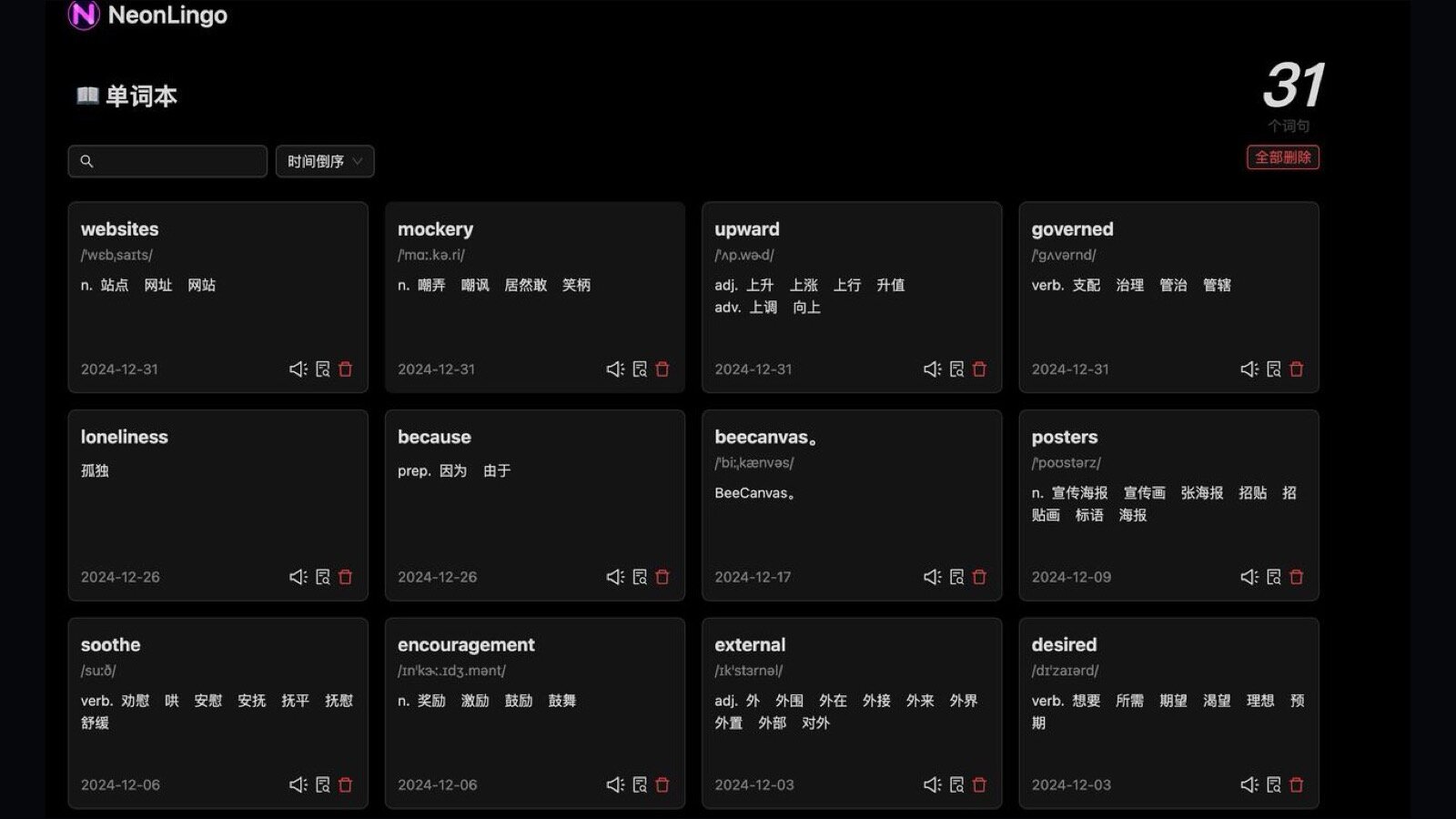
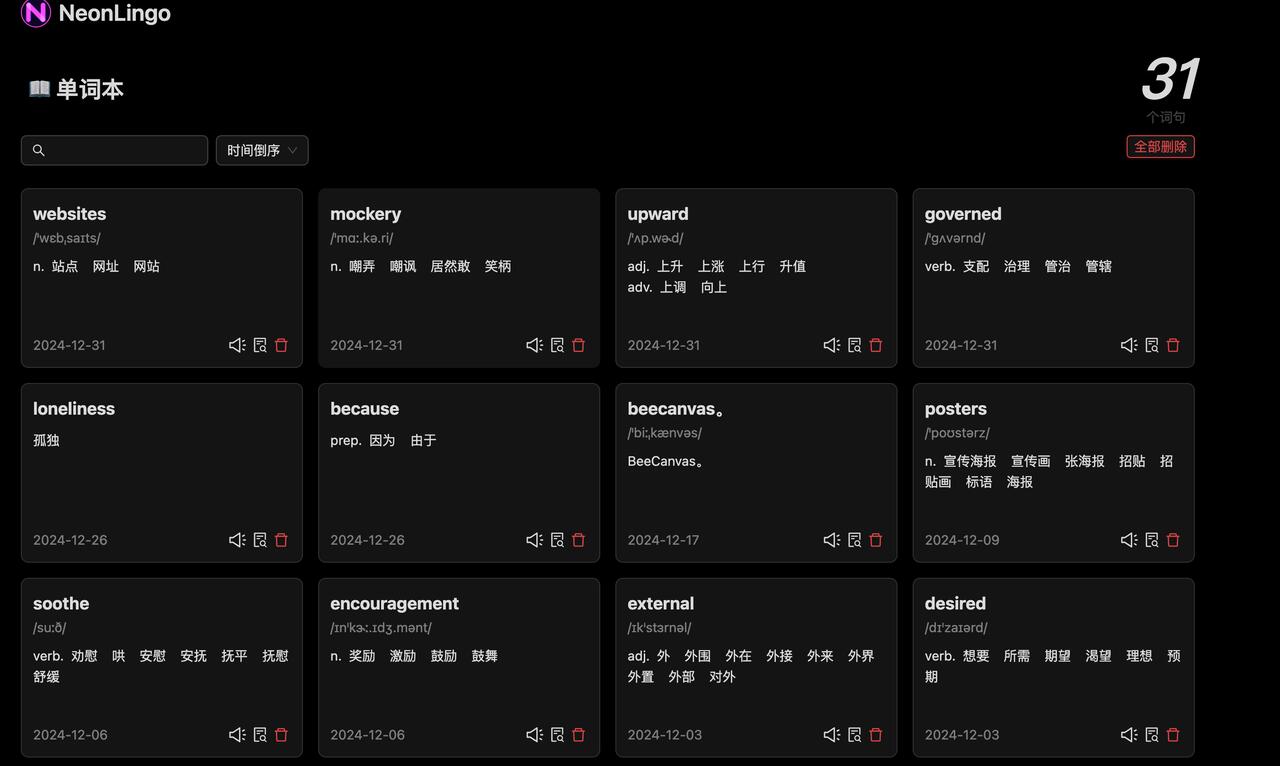
NeonLingo turns normal web reading into vocabulary capture. You can look up a word in context, keep it in your wordbook, and meet it again while browsing instead of building isolated lists after the fact.
Why Save Vocabulary From Websites Works Better Than Studying Lists
Words are easier to remember when they come from real input.
If you read articles, forums, docs, newsletters, and social posts, you already have a steady stream of useful vocabulary. The problem is that most words disappear as soon as the tab closes.
NeonLingo keeps the learning moment in the browser. You do not need to stop reading, open a separate course app, or turn every lookup into homework.
That makes it useful when you want to:
- capture words from articles, forums, docs, newsletters, and social posts
- keep context close so the word is attached to a sentence you actually read
- use highlights and optional review to make repeated exposure happen naturally
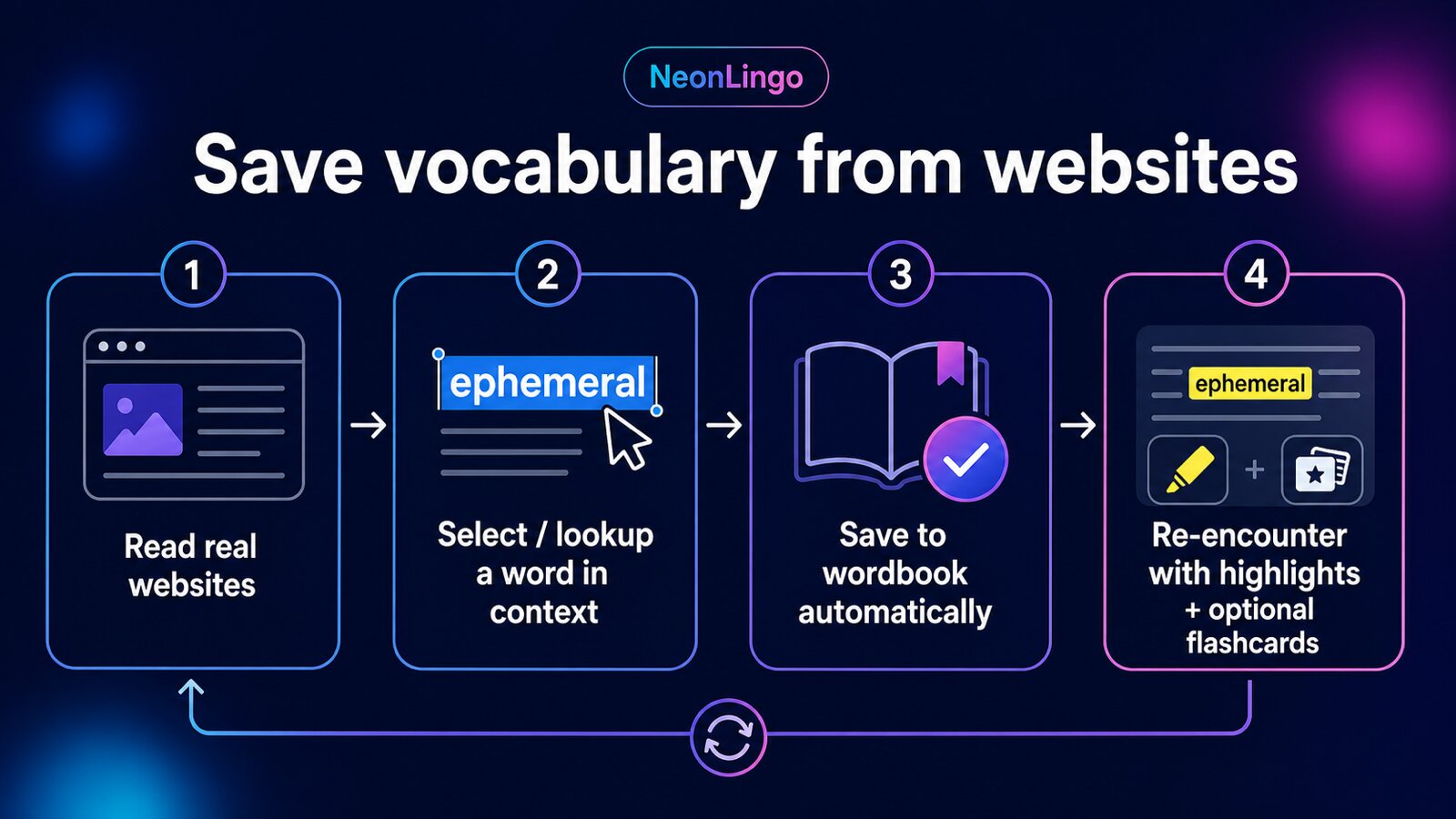
The Browser-Native Vocabulary Loop
Read Real Pages
Start with content you already care about: articles, product docs, social posts, or newsletters.
Look Up in Context
Select a word or phrase and get help that fits the sentence on the page.
Keep Useful Words
Add what matters to your wordbook manually or through lightweight lookup capture.
Meet Words Again
Saved vocabulary can show up later through highlights, creating repetition during normal browsing.

A Wordbook That Grows From Real Input
The point is not to collect every unknown word.
The point is to keep the words that appear in meaningful contexts and make them easier to notice again. NeonLingo supports that with contextual lookup, wordbook capture, and re-encounter highlights.
You can understand how the word is used in the current sentence, continue reading, and keep words from real pages in one place instead of losing them after the tab closes.
Useful for Learners Who Read Across the Web
For English speakers learning Spanish, this can mean keeping familiar sites readable while letting Spanish words appear in contexts you already understand.
For readers tackling foreign-language pages, it means translating only what blocks meaning, then keeping going so the page remains comprehensible input.
For people who forget words after reading, it means capturing the words during the reading moment and letting later pages bring them back into view.
FAQ
Is NeonLingo just a translator?
No. Translation helps with understanding, but the product is designed around reading flow, vocabulary capture, repeated exposure, and learning from real pages.
Can I control what gets kept?
Yes. The workflow is selective. You can keep useful words, clean up your wordbook, and treat review as optional support rather than the whole product.
Does it work on every website?
NeonLingo is built for normal browser reading. Some sites may restrict text selection or extension behavior, and local file/PDF access can require browser permission.
Related Reading
For the broader workflow, read how to learn a language while browsing foreign websites.
You can also read why you forget words after reading English or browse more NeonLingo learning guides.
Install NeonLingo and let the web you already read become a steady source of vocabulary.